

FAQ — PodSync Spain
Technical questions, clear answers
Browser compatibility, file formats, data security, and troubleshooting — everything you need to know before hitting record.
Technical specifications
The platform in numbers that matter to your recording
Before diving into specific questions, here are the system reference values. Each figure responds to a real technical decision we made so that your session is recorded without depending on connection stability.
Engineering note
Format and sample rate values remain identical across all plans. What changes between the free plan and paid plans is cloud storage and the number of simultaneous participants.
Frequency
48kHz
Lossless WAV audio
Depth
24bits
Professional studio dynamic range
Min. upload
5Mbps
For smooth preview between participants
Storage
30days
Free plan before mandatory download
01 — Compatibility
Browsers and operating systems
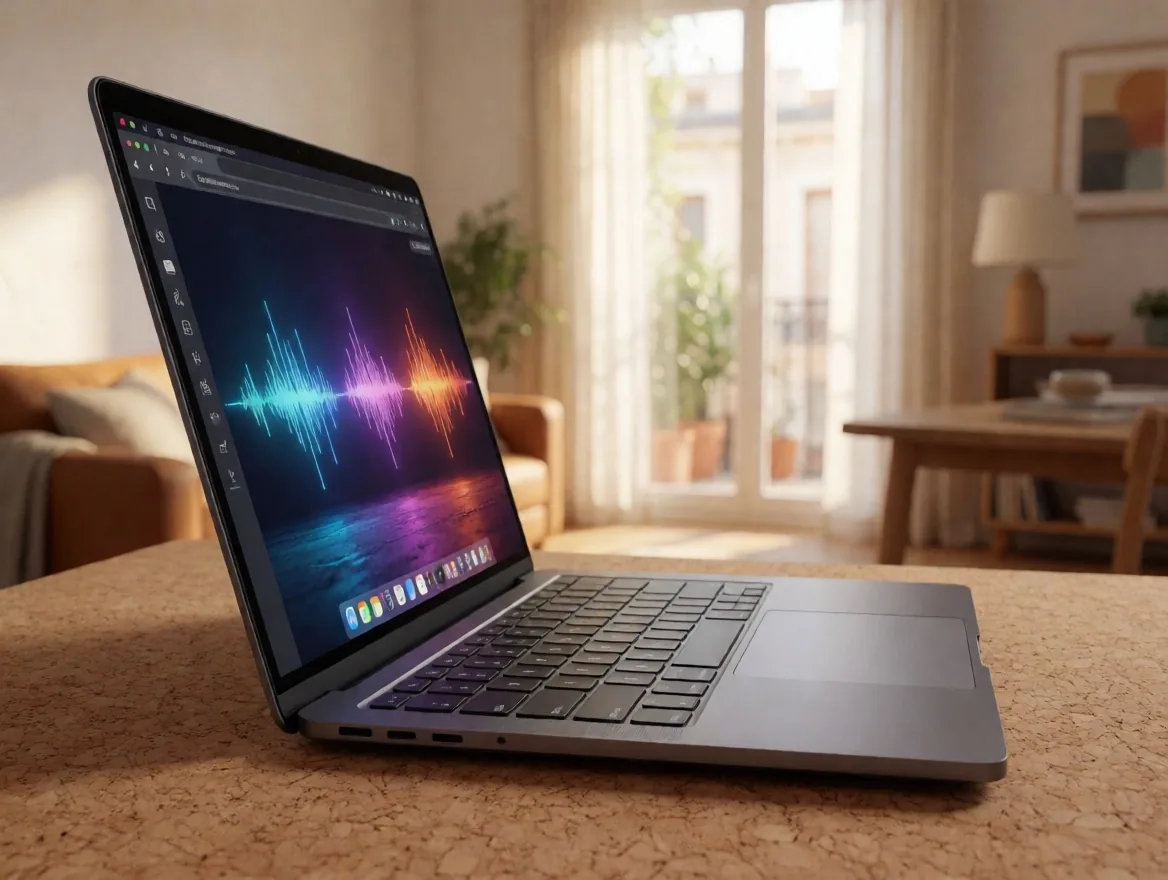
To ensure local data capture, PodSync requires browsers that support the latest web technologies. We strongly recommend using Google Chrome or Microsoft Edge in their most recent versions, both on Windows and macOS.
We are currently working to expand full compatibility with other browsers, always prioritizing recording stability over any other feature.
Compatibility check
Why does the browser matter?
Local recording in PodSync depends on audio and video APIs that only modern browsers expose stably. Chrome and Edge manage memory and access to audio peripherals with the best consistency we have tested.
If you try to record with an unsupported browser, the track is likely not to be captured correctly or the session may disconnect mid-recording. Before starting, verify that you are on the most recent version of the browser.
02 — Storage
Storage management and file download
By default, we keep recordings for 30 days on basic plans — enough time for the host to download the material. On Pro and Business plans, this period is extended considerably.
Once files are downloaded, the user is responsible for their final custody. We recommend downloading immediately after finishing the session to begin the editing process as soon as possible.
Retention by plan
03 — Connection
Internet connection requirements for recording
Although we record locally, a stable internet connection is required so that participants can see and hear each other during the session. An upload speed of at least 5 Mbps is recommended for a smooth experience.
If the connection is slower, PodSync will prioritize audio quality over video in the preview. The final recording you download is not affected by these network fluctuations, as it is stored on the device before being uploaded.
Network reading
The video preview may degrade with unstable connections, but the final file is recorded on each participant's device without additional compression.
04 — Headphones
Mandatory use of headphones
Without headphones, the sound coming out of a participant's speakers can be captured by their own microphone, creating an echo or feedback loop that is very difficult to remove in post-production.
Even simple mobile phone headphones are better than using the computer's built-in speakers. This is the number one rule for any remote recording that aspires to professional quality.
Ask each participant to connect headphones before starting the session. No exceptions, even if it is just to listen.
05 — Privacy
Privacy and security of conversations
Recordings are encrypted in transit and at rest on our servers. PodSync does not listen to, transcribe, or use your recordings to train artificial intelligence models or for advertising purposes.
You are the sole owner of your content. We strictly comply with the GDPR, ensuring that the personal data of Spanish and European users is handled with the utmost legal and technical rigor.
Read the privacy policy06 — Hardware
Hardware troubleshooting
If your microphone does not appear in the list of devices, the first thing to do is check browser permissions. Sometimes, the operating system blocks access for security reasons.
Connecting the audio interface directly to the computer's main port usually solves most technical problems reported by users. Avoid cheap USB hubs, which can introduce electrical noise or cause intermittent disconnections.
Diagnostic steps — recommended order
Check browser permissions
Check that the browser has permission to access the microphone and camera in the site's privacy settings.
Check operating system permissions
On macOS and Windows, confirm that the browser application has access to the microphone in the system's privacy settings.
Connect directly to the main port
Avoid cheap USB hubs that can introduce electrical noise or cause disconnections. Use a direct USB port on the computer.
Restart the browser and re-enter
Close the browser completely, reopen it, and re-enter the session. This clears blocked audio states.
If the problem persists after these steps, write to us via the contact form with a description of the microphone, browser, and operating system. We respond during business hours from Monday to Friday.
Write to supportFrequently Asked Questions
Answers to the most common queries
Tap each question to expand the answer. If your question is not here, the support team is just a message away.
Can I record from a mobile device or tablet? +
Currently, the platform is optimized for desktops and laptops due to mobile browser limitations in recording large files locally.
Guests can join from Android devices using Chrome to participate in the call, although local recording quality may vary depending on the device model.
What file formats does the platform deliver? +
We deliver audio in WAV format (48 kHz, 24-bit) for maximum fidelity and video in MP4 format (H.264) with constant bitrate. These formats are compatible with virtually all professional editors on the market.
Audio
WAV — 48 kHz / 24-bit
Video
MP4 — H.264 CBR
Is there a limit of guests per session? +
The number of guests varies according to the subscribed plan. Maintaining a controlled number of participants ensures that track management and session stability are optimal for everyone.
Is your question not on this list? The PodSync Spain support team handles technical queries from Monday to Friday, from 9:00 to 18:00.
Contact supportPodSync España S.L.
Shall we talk?
Address
Calle de Atocha 125
28012 Madrid, Spain
Hours
Monday to Friday: 9:00 — 18:00