
Resources to make your podcast sound like a professional studio
Technical guides on microphones, home acoustics, audio post-production, and lighting for video podcasts. Material written by sound engineers for creators recording remotely from Spain.
How to choose a microphone based on your budget and your room
The most expensive microphone is not always the most suitable for your environment. In a room without professional acoustic treatment, a dynamic model usually works better than a condenser one: it captures less echo and reverberation from nearby walls, and tolerates background noise from a street or an old building better.
Condenser microphones are more sensitive and capture detail in high frequencies, but that same sensitivity picks up the bounce of a room without absorption. If you record in a walk-in closet or a room with bookshelves, a condenser can give acceptable results. If you record in an office with smooth walls, a dynamic one will save you hours of cleaning in post-production.
In this guide, we analyze USB options—ideal for starting without an interface—and professional XLR configurations with an audio interface, all available in Spanish stores. The investment should be based on your real recording needs, not on manufacturer marketing.
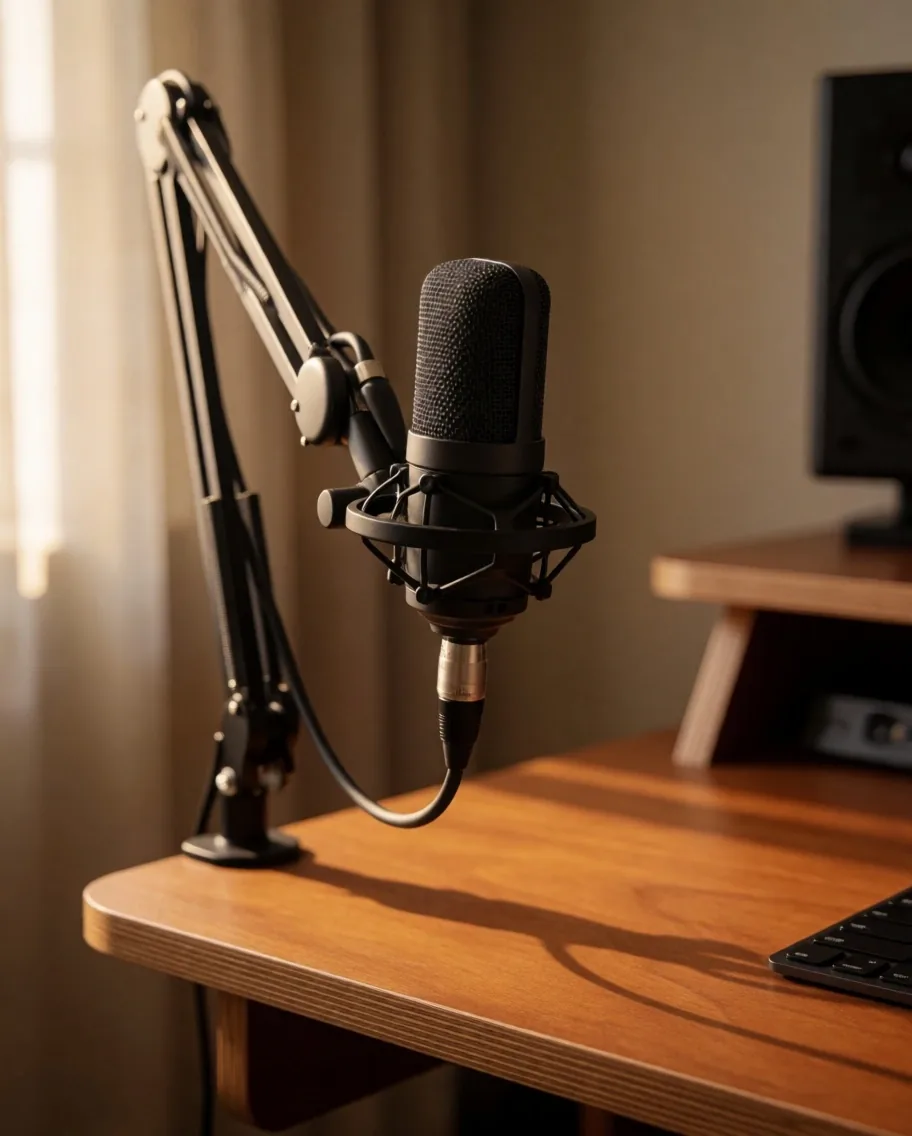
If you are starting: a dynamic USB mic and closed-back headphones. If you already have an audience: a two-channel XLR interface and a mid-range dynamic microphone. The condenser comes when you treat the room.
DIY conditioning that actually makes a difference
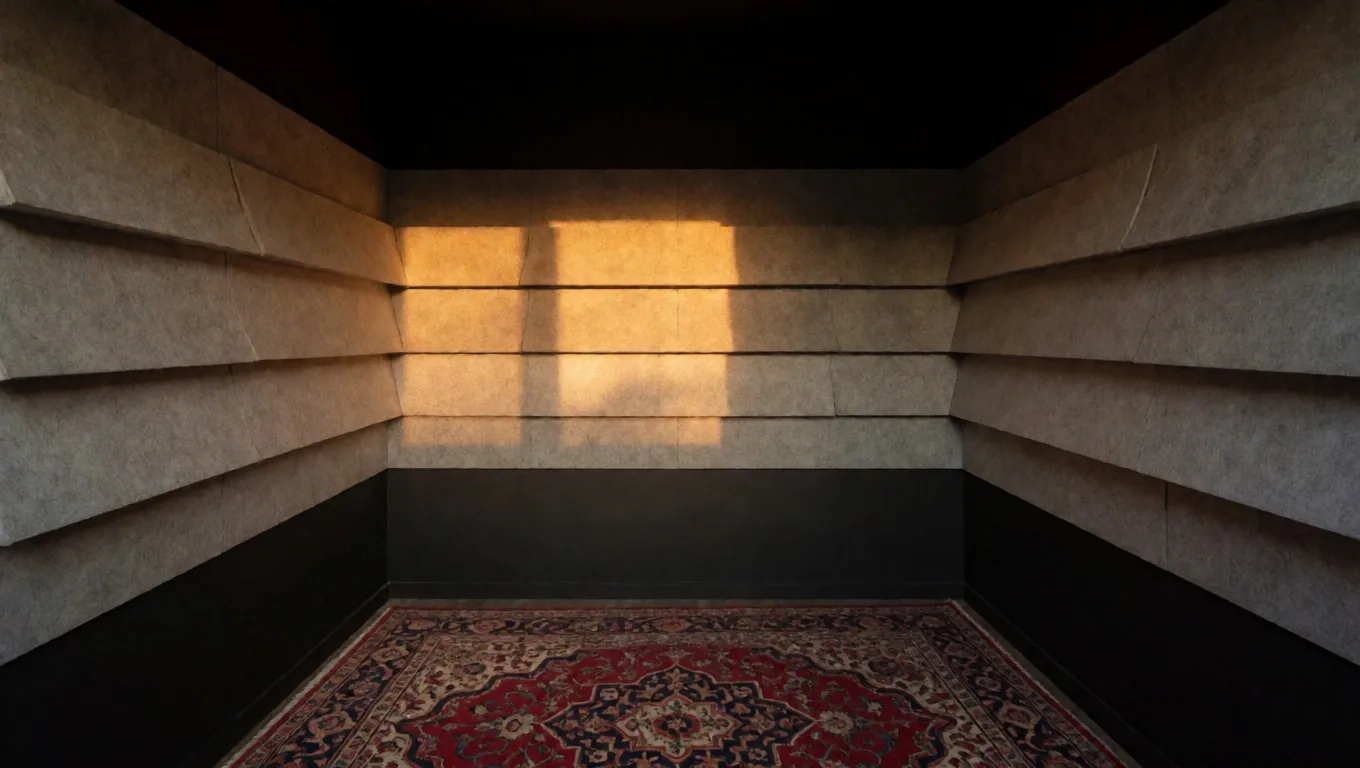
Most podcasters record in homes and offices where echo and reverberation can ruin a good take. You don't need renovations or specialized materials to improve your sound in a measurable way.
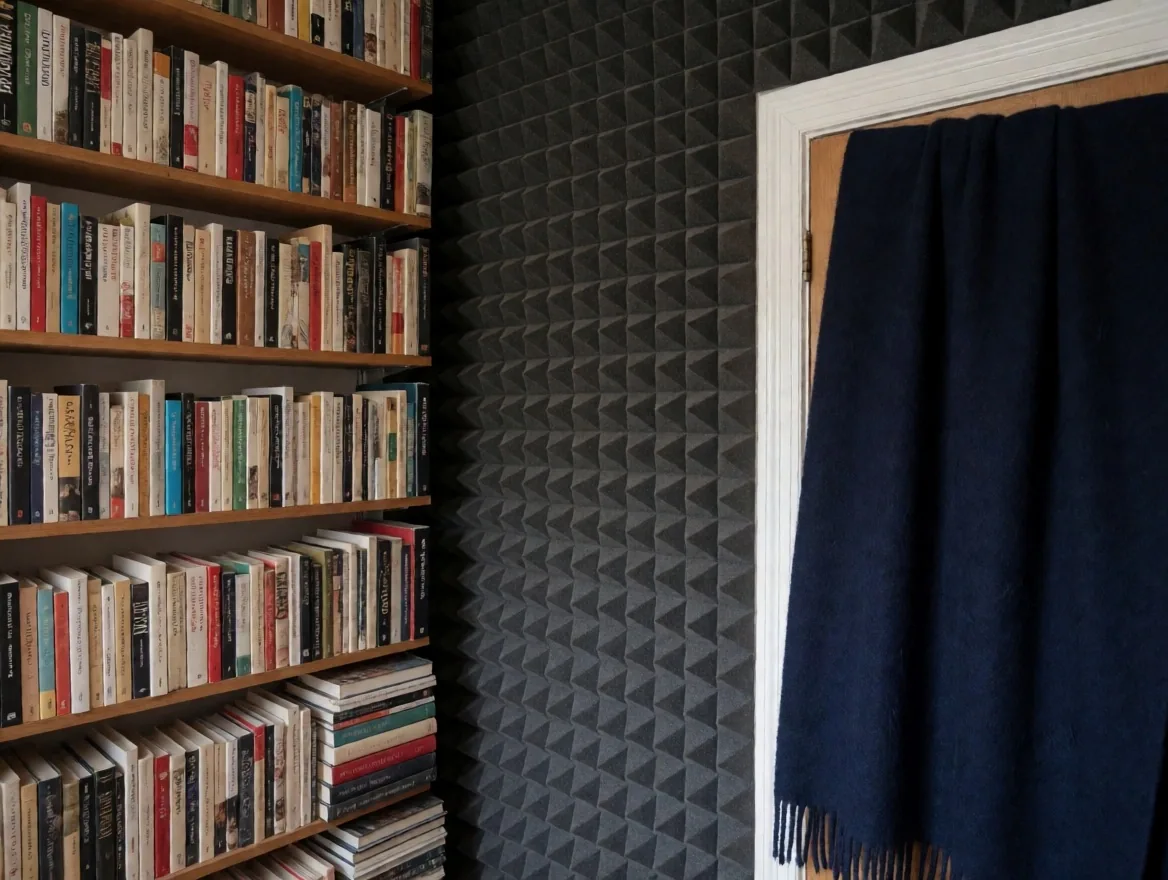
A bookshelf full of books behind the mic absorbs mids and highs. A heavy blanket hung on the wall opposite the microphone reduces bounce. A 5 cm foam panel at the first reflection point, at mic height, attenuates the most noticeable echo. These adjustments, combined with PodSync's local recording, make the difference between audio that sounds amateur and one that sounds professional.
The goal is not to silence the room: it is to reduce the reflections that the microphone captures after the sound bounces off the walls. Less bounce means less post-processing and greater voice clarity.
Best practices for your remote guests
The quality of your podcast depends as much on your guests' preparation as it does on your own equipment. A guest who uses headphones and records in a quiet room can sound as crisp as a professional host.
- → Use wired headphones to prevent call audio from returning to the microphone
- → Find a room with closed doors and minimal echo
- → Close unnecessary computer applications to free up resources
- → Connect the computer via Ethernet cable if possible
- → Do a 30-second sound check before starting
Educating your guest kindly before the recording ensures the process is smooth. Most audio problems in remote interviews come from three causes: headphones not being used, rooms with echo, and applications consuming computer resources.
If you send the template 24 hours in advance, the guest arrives prepared and the recording does not require extra hours of cleaning for avoidable noises.
What to do with your high-fidelity WAV files
When you download the WAV files from PodSync, the next step is editing. These are the basic processes that a creator can apply without needing to be a sound technician.
Normalization
Adjusts the maximum volume of the track to a reference level. If one track peaks at -6 dB and another at -18 dB, normalization equalizes both peaks so that no voice sounds lower than the other in the final mix.
Compression
Reduces the difference between the loud and quiet passages of the voice. Subtle compression adds body and consistency without crushing the natural dynamics of the conversation. A 2:1 or 3:1 ratio is usually sufficient for spoken word.
Noise Gate
Eliminates silences where only background room noise is heard. Configured with an appropriate threshold, it cuts audio below a minimum voice level and keeps silences clean during the conversation.
Equalization
Reduces frequencies below 80 Hz to eliminate microphone rumble and softens peaks between 3 and 5 kHz that can be fatiguing. The goal is clarity, not transforming the voice.
These guides are aimed at ensuring any creator can deliver a polished final product while respecting the naturalness of the original conversation. Editing should not change what was said, but rather present the voice with the greatest possible clarity.
Lighting and framing for video podcasts
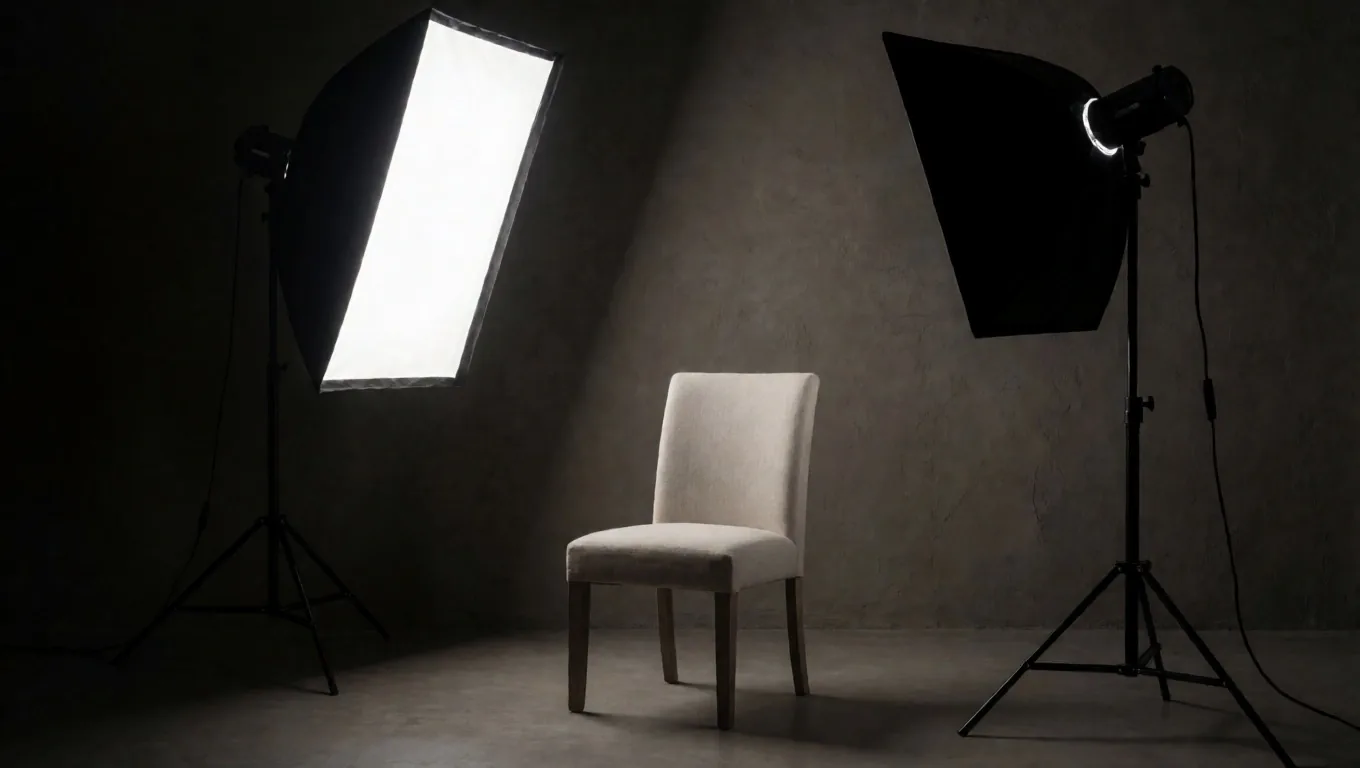
If you record video podcasts, light is as important as sound. Three-point lighting—key light, fill light, and backlight—remains the most effective scheme to separate the subject from the background and add volume to the face.
Natural light from a window works as a key light if you place it at 45° from the subject. The problem is that it changes during the recording. If the session lasts more than 30 minutes, a continuous LED light with a diffuser is more reliable.
About the background: avoid plain white walls, they create a visually flat shot. A bookshelf, a plant, or a wooden panel at least one meter behind the subject adds depth without being distracting. With good light and PodSync video capture, your image conveys the seriousness that the content deserves.
Technical dictionary for podcasters
The terms you will find in your recording interface and in your equipment specifications, translated into everyday language.
Bitrate
The amount of audio data per second. Higher bitrate means more detail and a larger file. For spoken word, 192 kbps in MP3 is sufficient; for mastering, work in uncompressed WAV.
Sample Rate
The number of times per second the converter takes a sample of the sound. 44.1 kHz is the audio standard for podcasts; 48 kHz is used when there is synchronized video. There is no audible difference between the two for voice.
Gain
The level of amplification the interface applies to the microphone signal before digitizing it. If it is too high, the voice distorts; if it is low, you have to increase the volume in editing, which also increases background noise.
Phantom Power
The 48 volts that the interface sends to the condenser microphone to power its internal circuit. Without it, a condenser does not emit a signal. Dynamic microphones do not need it and are not damaged if it is activated by mistake.
Latency
The delay between the moment sound enters the microphone and the moment you hear it through your headphones. High latency makes natural conversation difficult. PodSync records locally at each end to avoid this.
Local recording
Each participant records their own track on their computer. The file does not depend on the internet connection during the conversation. Afterwards, the tracks are synchronized in the cloud without loss of quality.
Strategies to get your podcast found
Creating excellent content is only half the work. The other half is getting found on listening platforms and search engines. The title of each episode and the show notes are the two most powerful tools you have for positioning.
A descriptive title that includes the topic and the guest's name works better than a cryptic title. Episode notes should include a summary of what is discussed, timestamps with main topics, and links to mentioned resources.
Full transcripts allow search engines to index the content of your conversation. High-quality video clips, extracted from PodSync capture, are the discovery engine on social media: a 30-second snippet with good image and clean audio attracts new listeners organically.
Publish regularly. The algorithms of Spotify, Apple Podcasts, and YouTube reward consistency: a bi-weekly episode published on the same day and at the same time generates more visibility than irregular releases.
Before publishing an episode
Maintenance so your equipment lasts for years
Your microphones, cables, and interfaces are work tools that require care to maintain their performance. Dust accumulation on the microphone grille affects high-frequency response. Oxidation of XLR contacts generates intermittent noise that seems like a software problem when it is actually physical.
Clean the microphone grille with a soft, dry brush every two weeks. Disconnect and reconnect the XLR cables of your interfaces every few months to clean the contacts through friction. Store microphones in their case when not in use. Avoid leaving them in positions where they receive humidity or sudden temperature changes.
About software: keep your audio interface drivers updated. On Windows, check that the sound panel does not apply automatic processing like echo cancellation or microphone boost. On macOS, verify that the recording application has microphone input permissions and that no other processes are capturing the device simultaneously.
Well-maintained equipment is reliable equipment for your most critical recordings. Most technical failures in remote sessions could be avoided with a five-minute check before hitting the record button.
Receive new guides and equipment analysis
We publish a new technical guide every two weeks on microphones, acoustics, post-production, and distribution. No ads or promotional content: just practical analysis applicable to your next recording.
No spam. You can unsubscribe in any email.
Write to us before your next recording
If you have questions about equipment configuration, interface compatibility, or specific needs for a remote guest, the PodSync technical team responds by email during business hours.
Go to the contact page